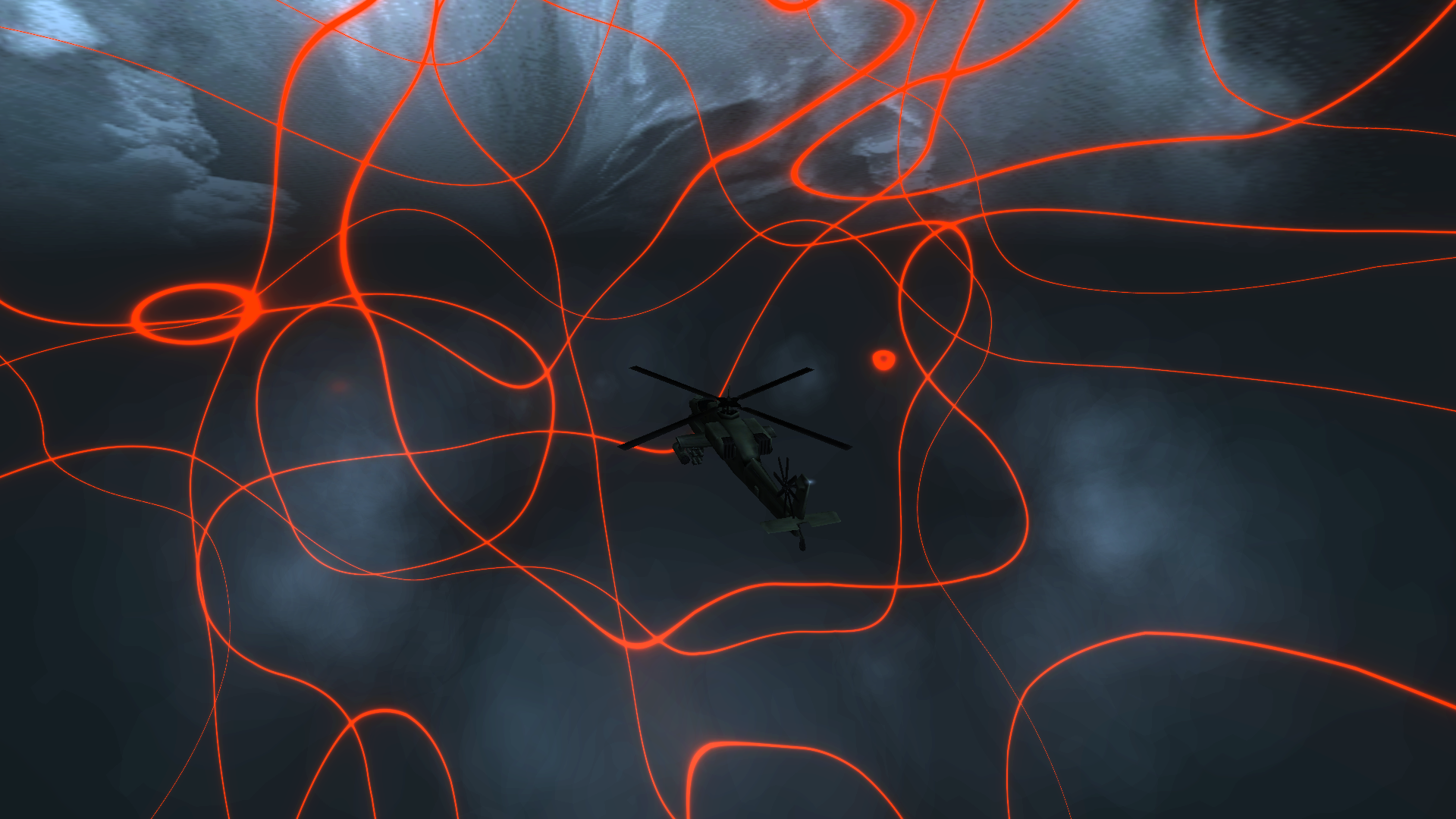
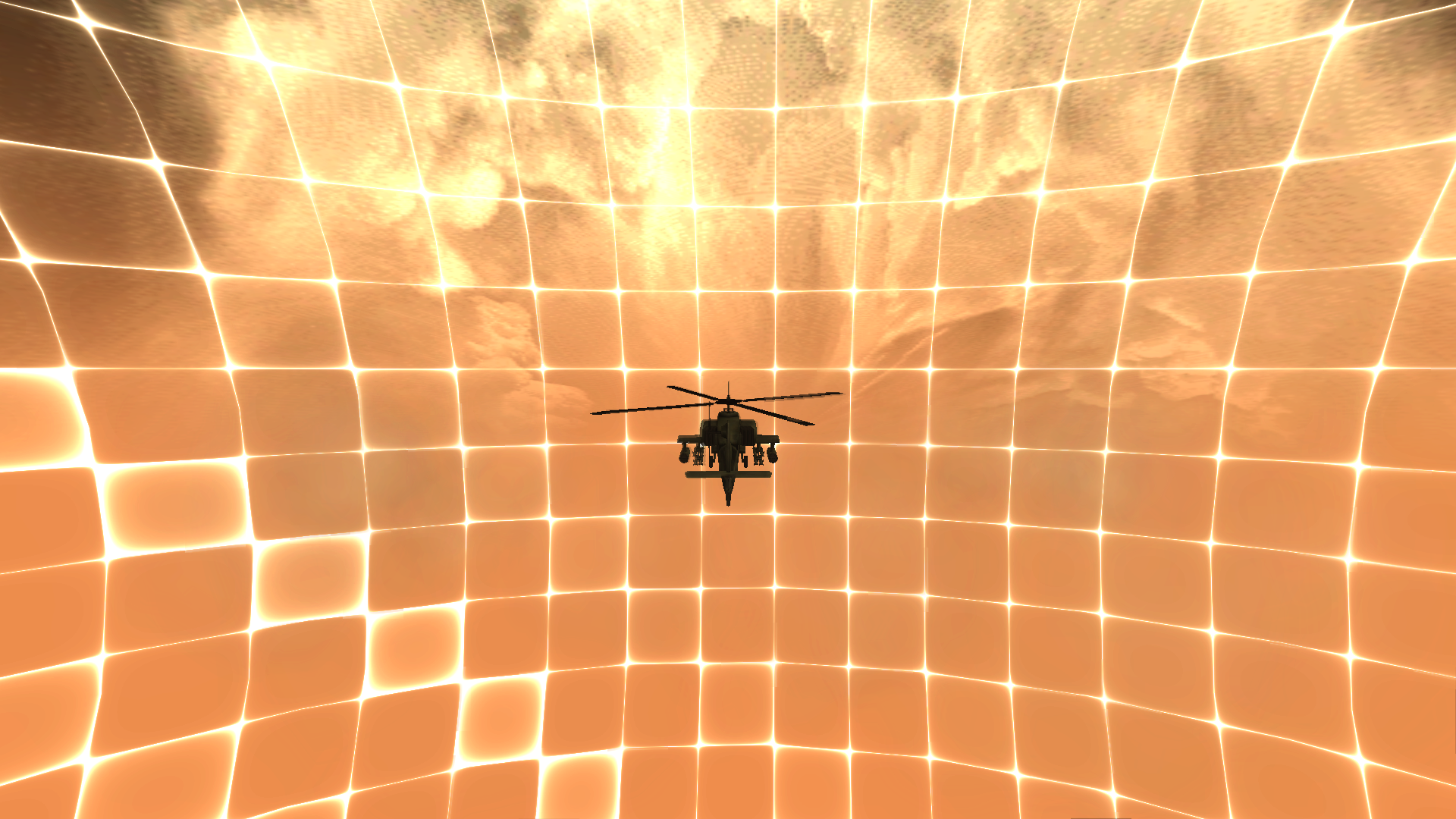
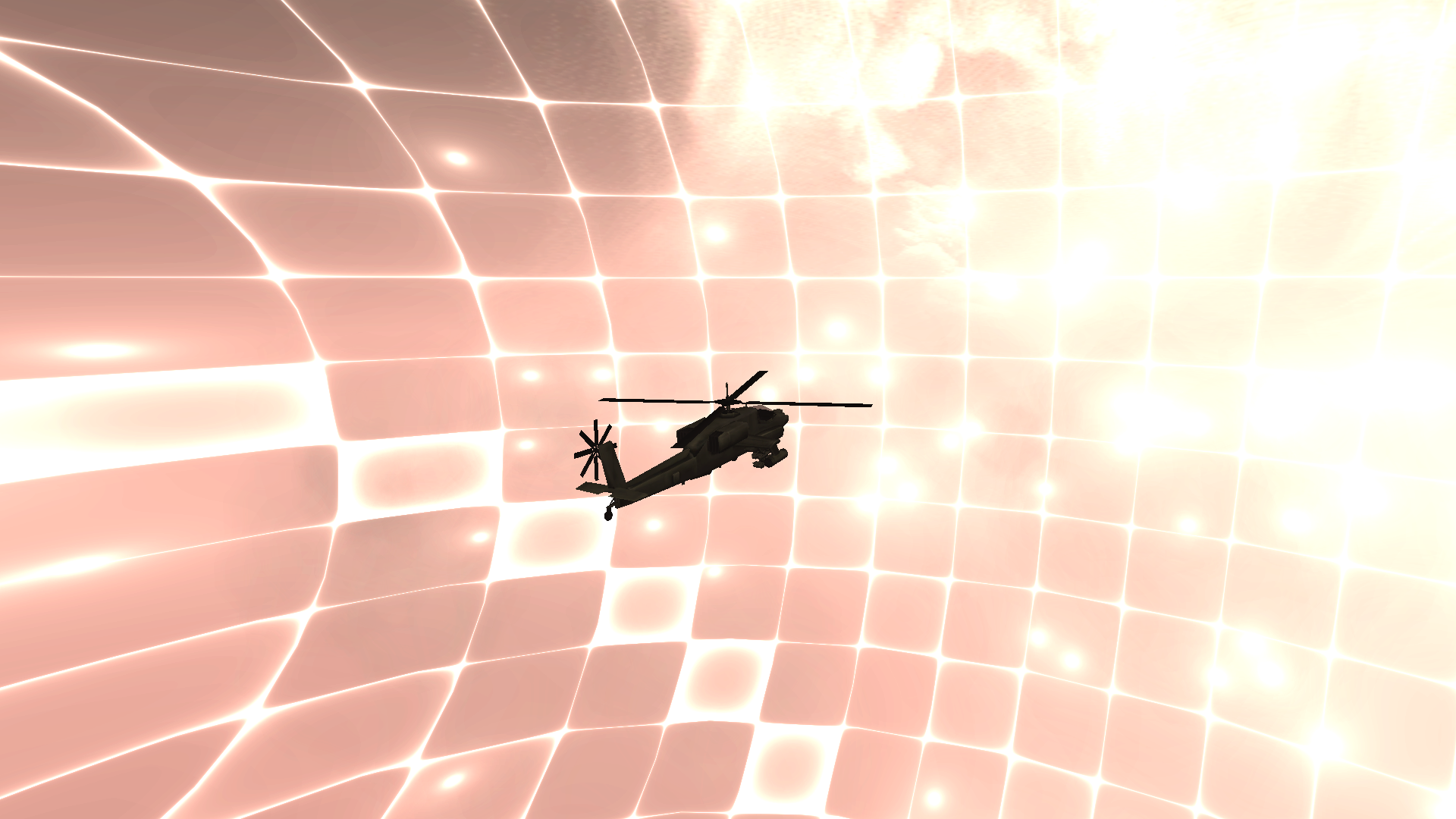
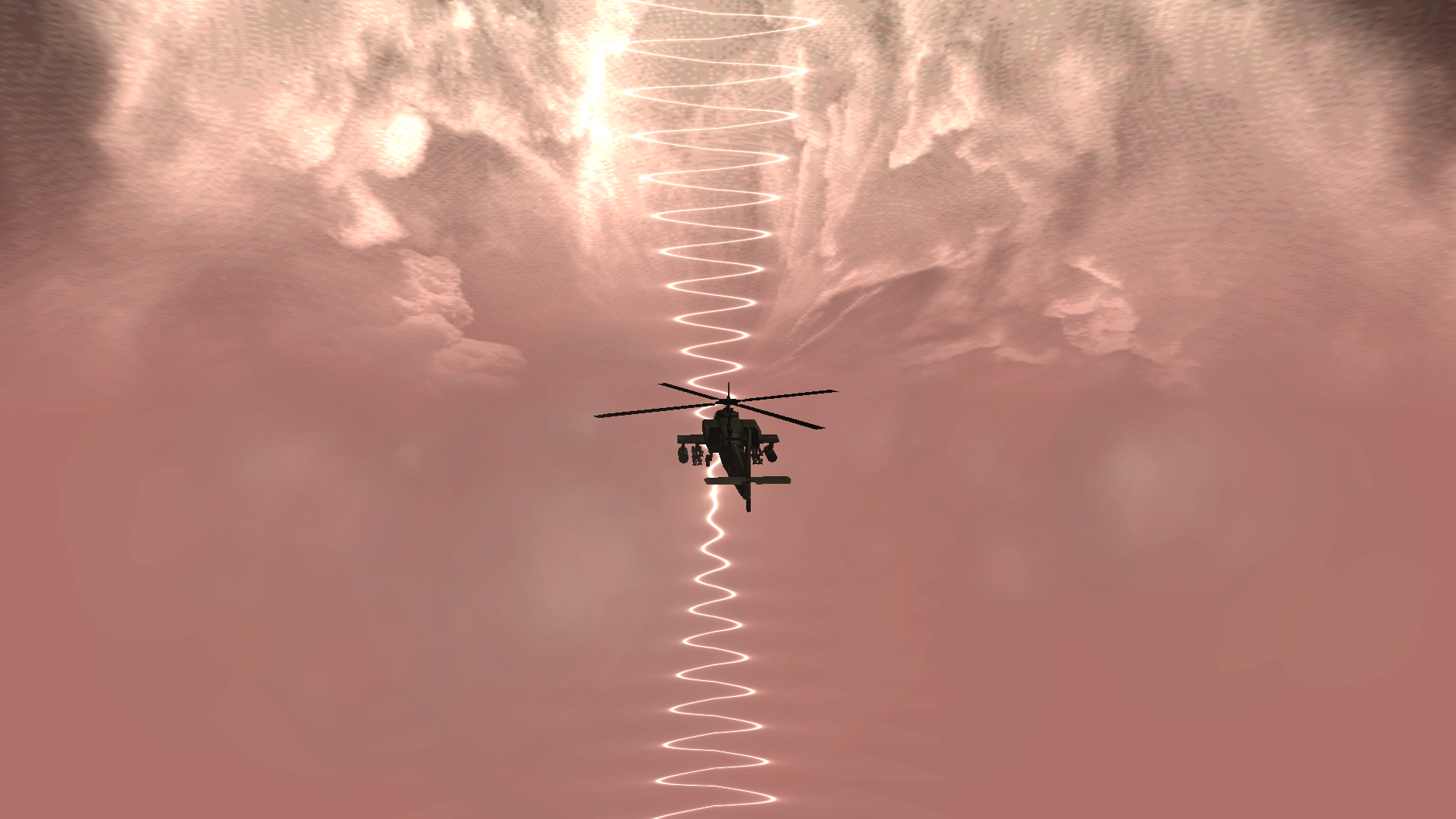
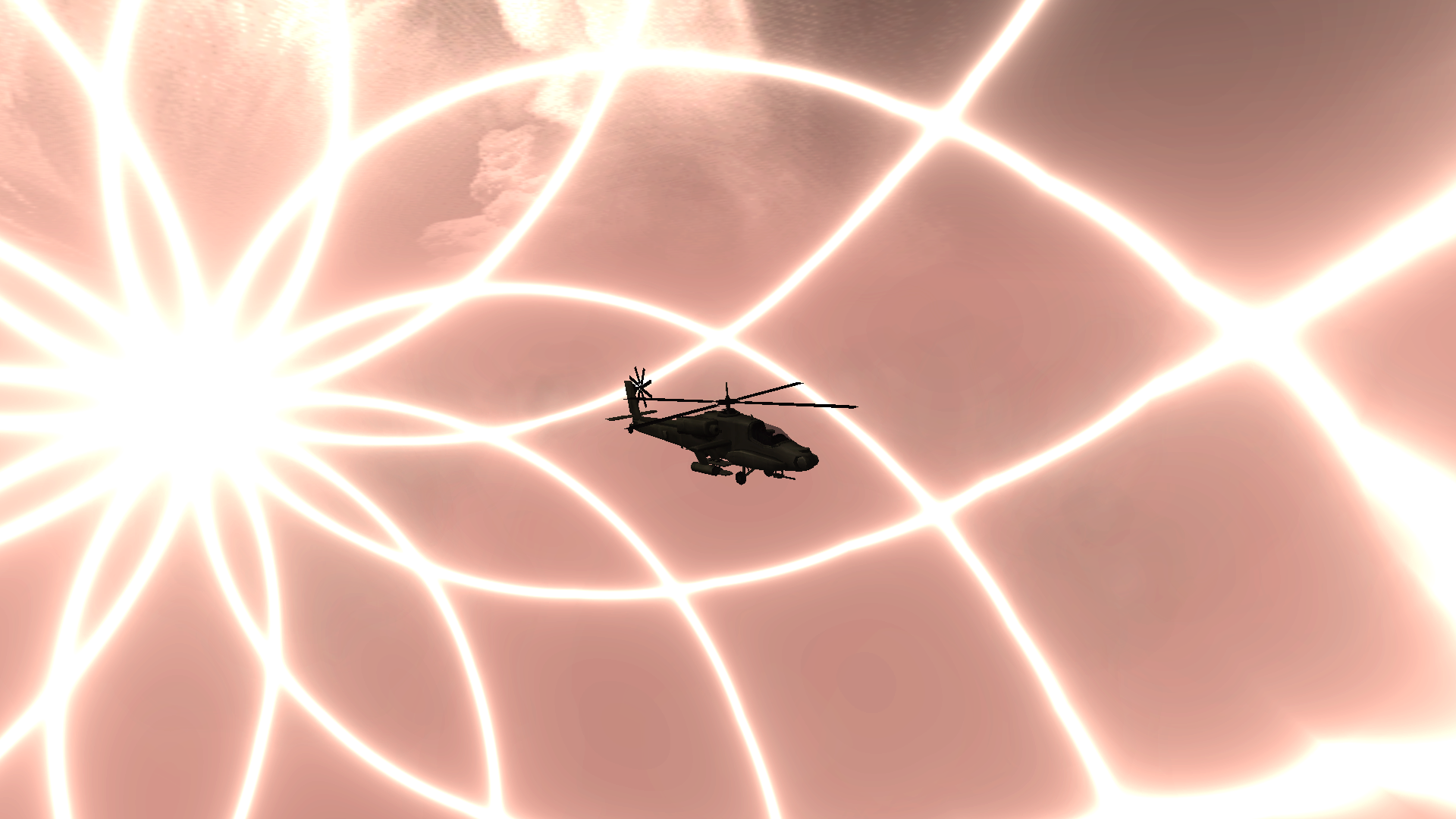
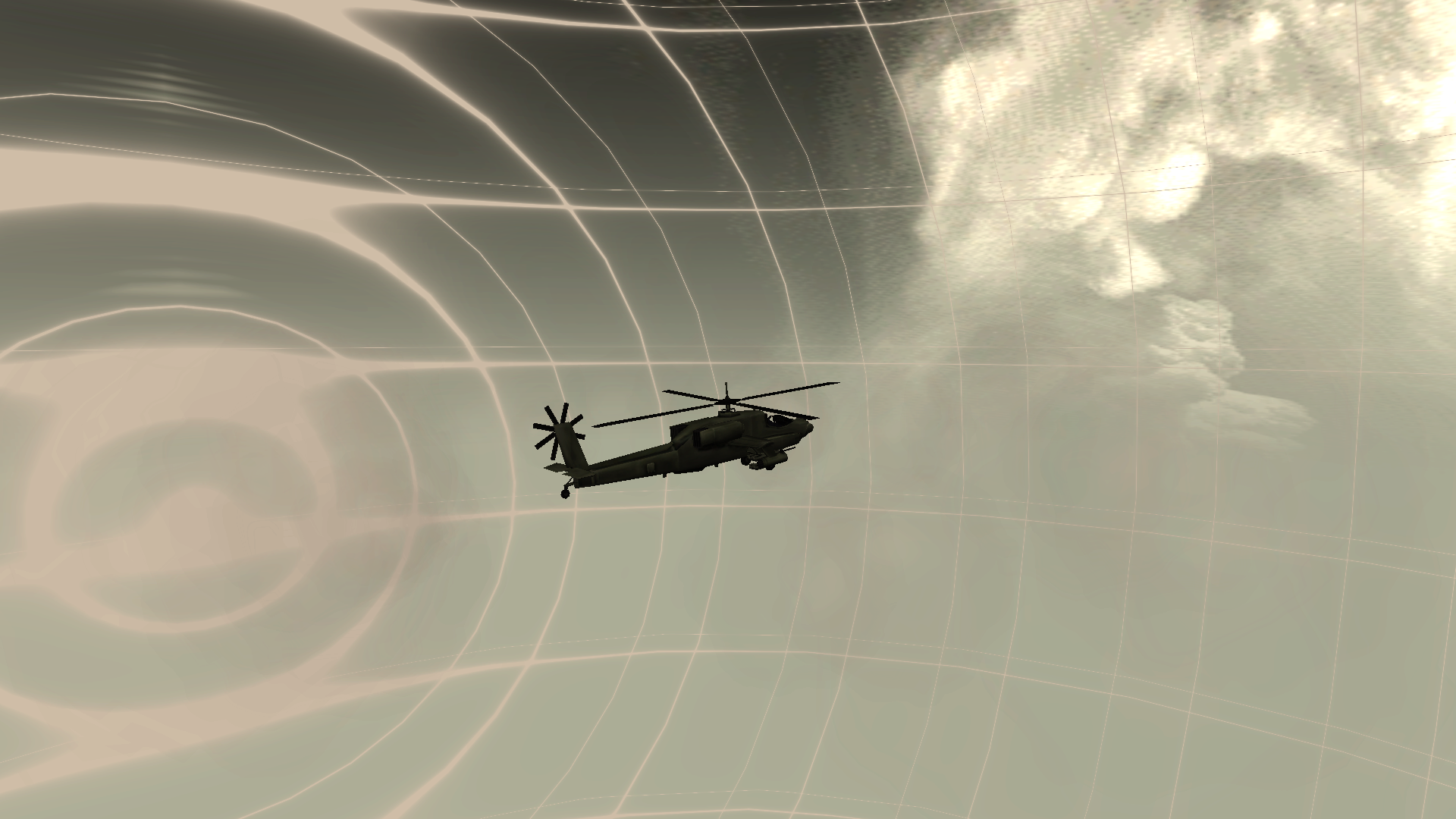
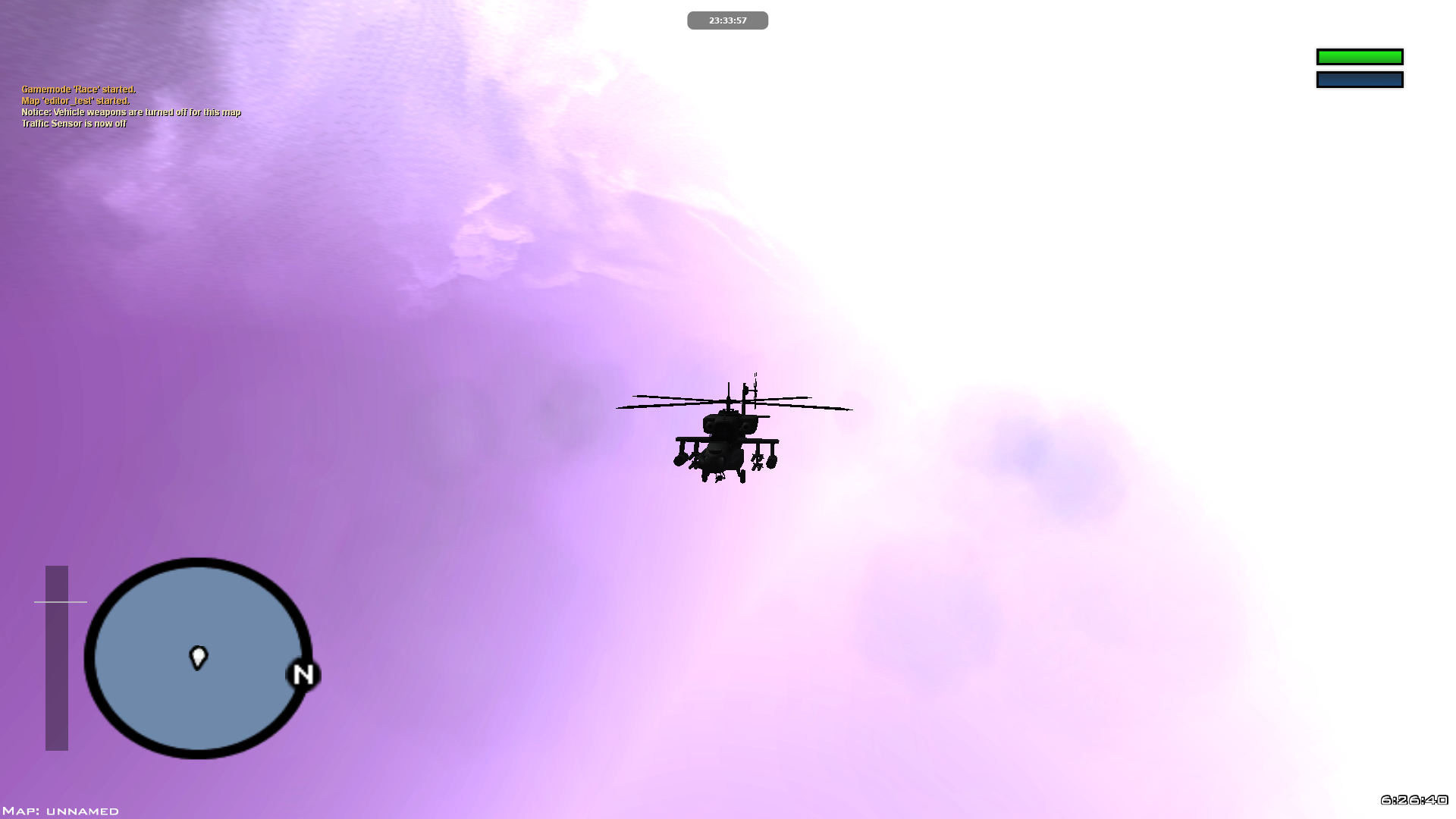
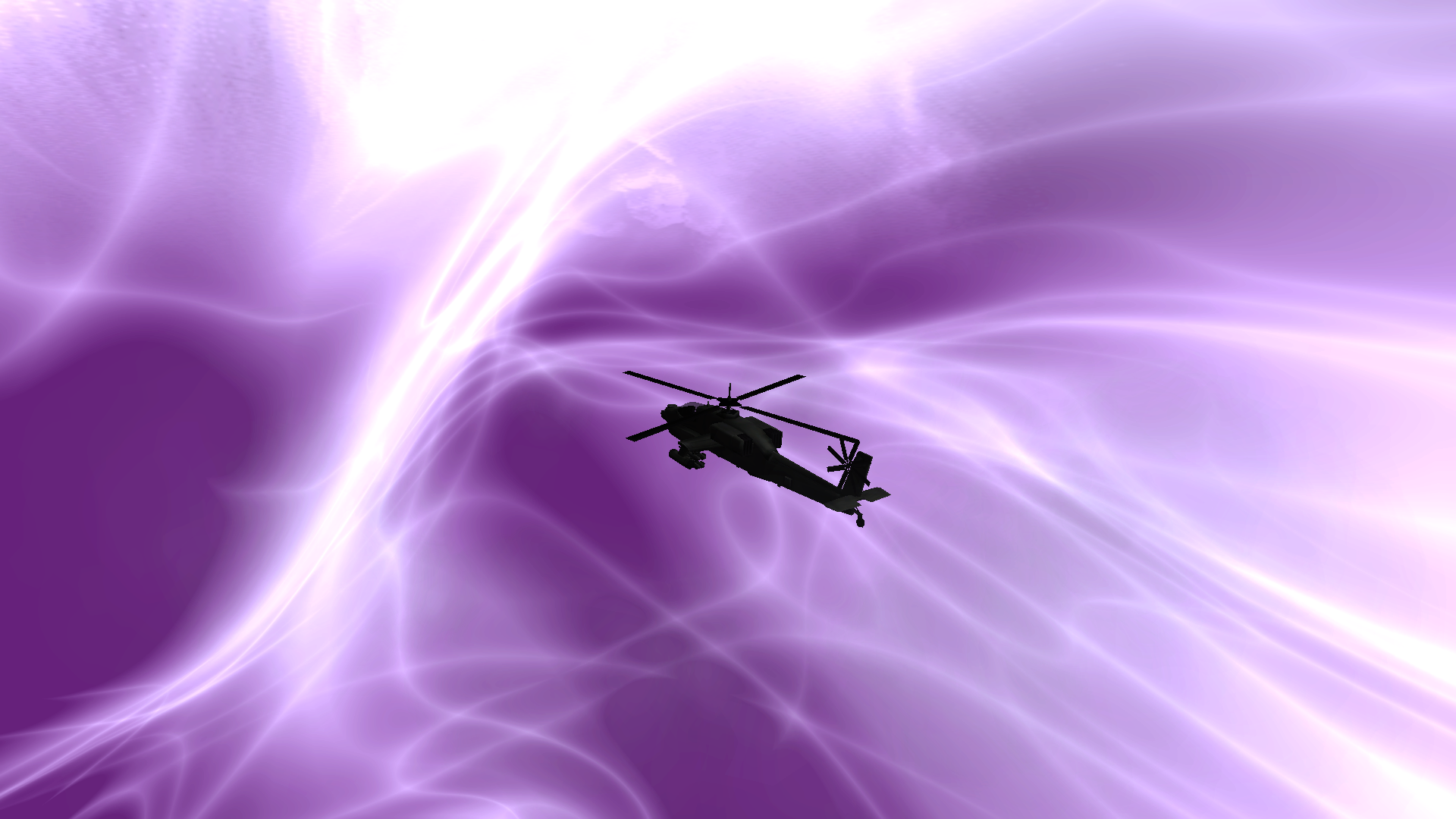
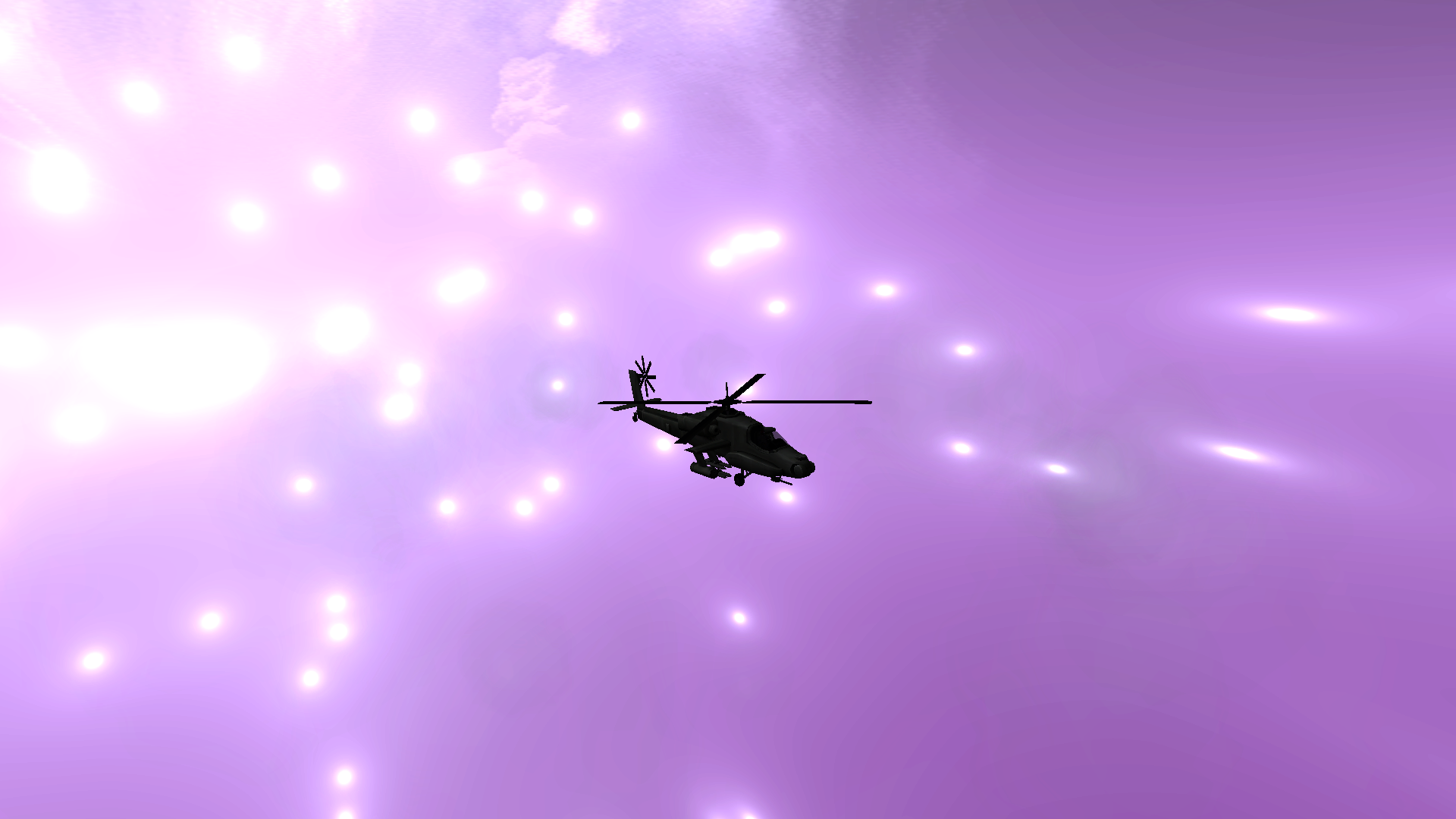
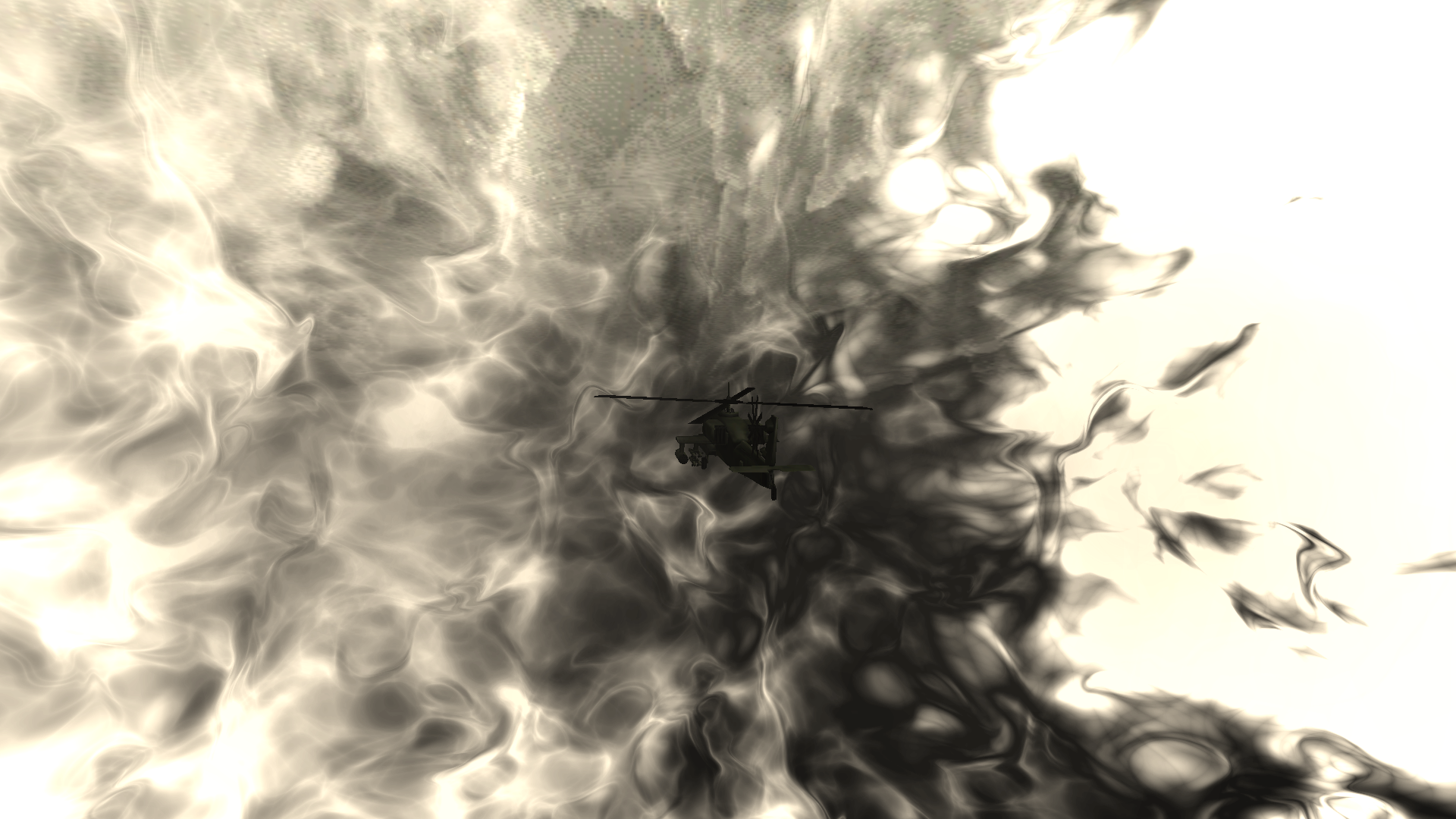
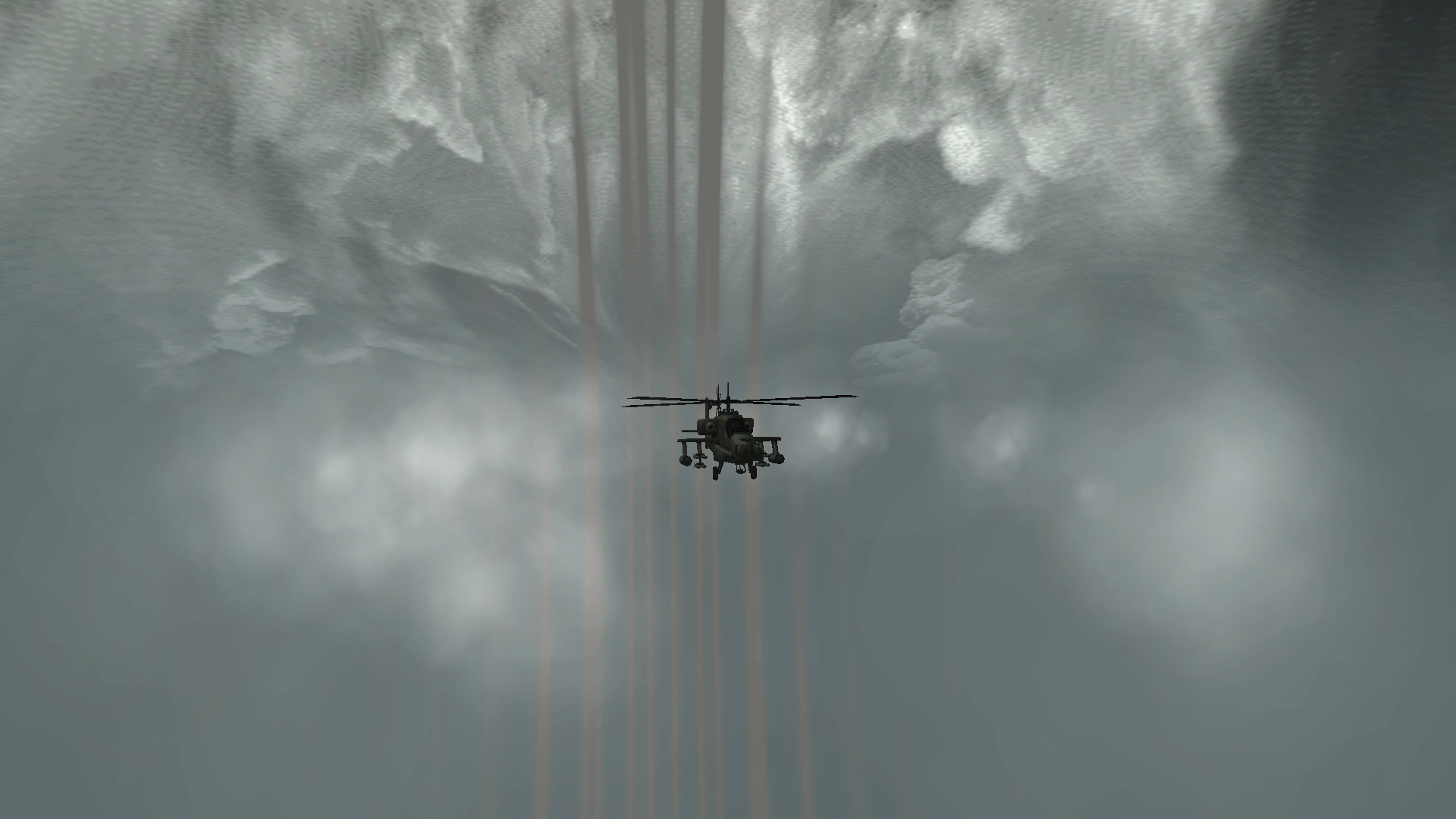
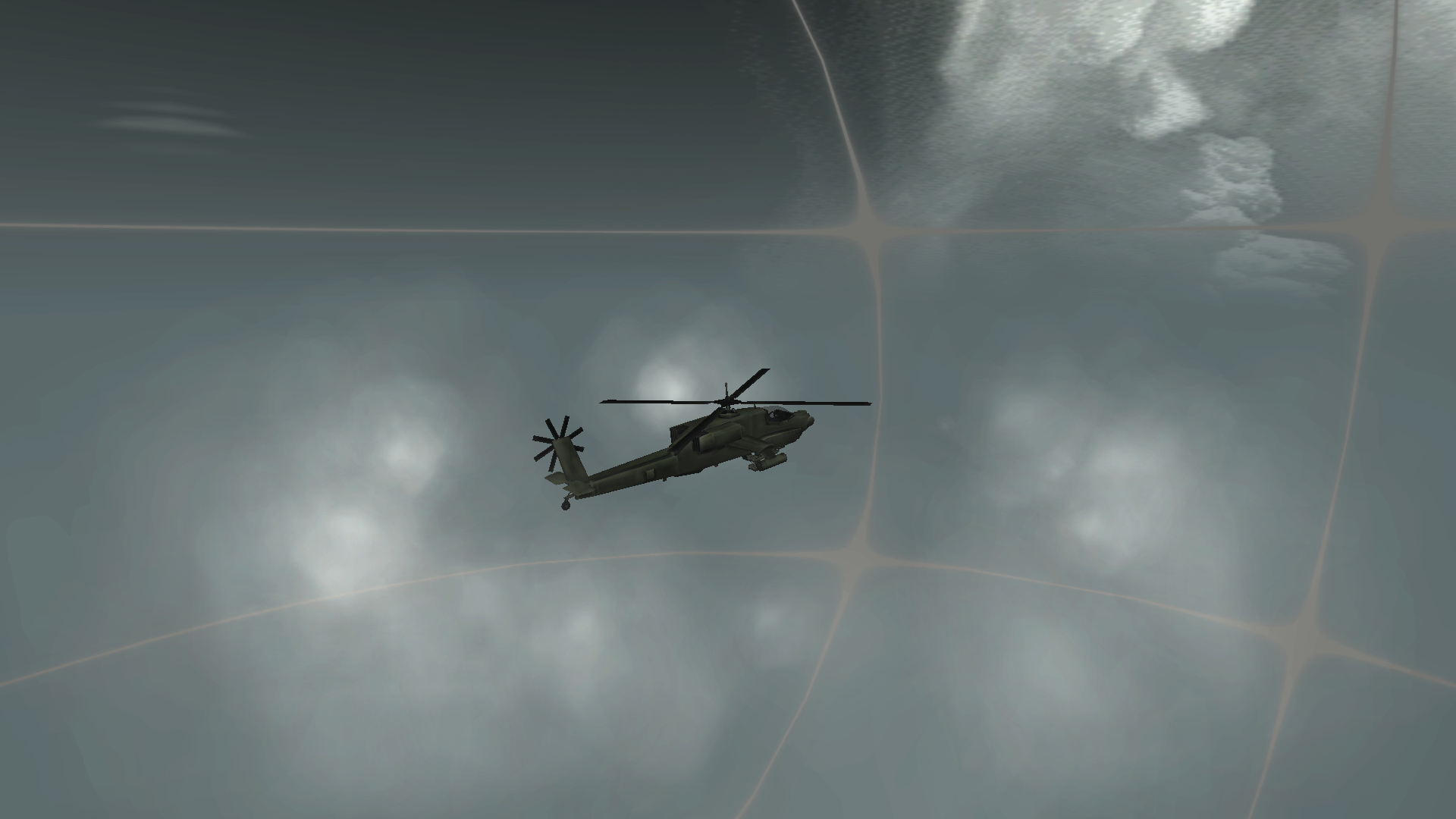
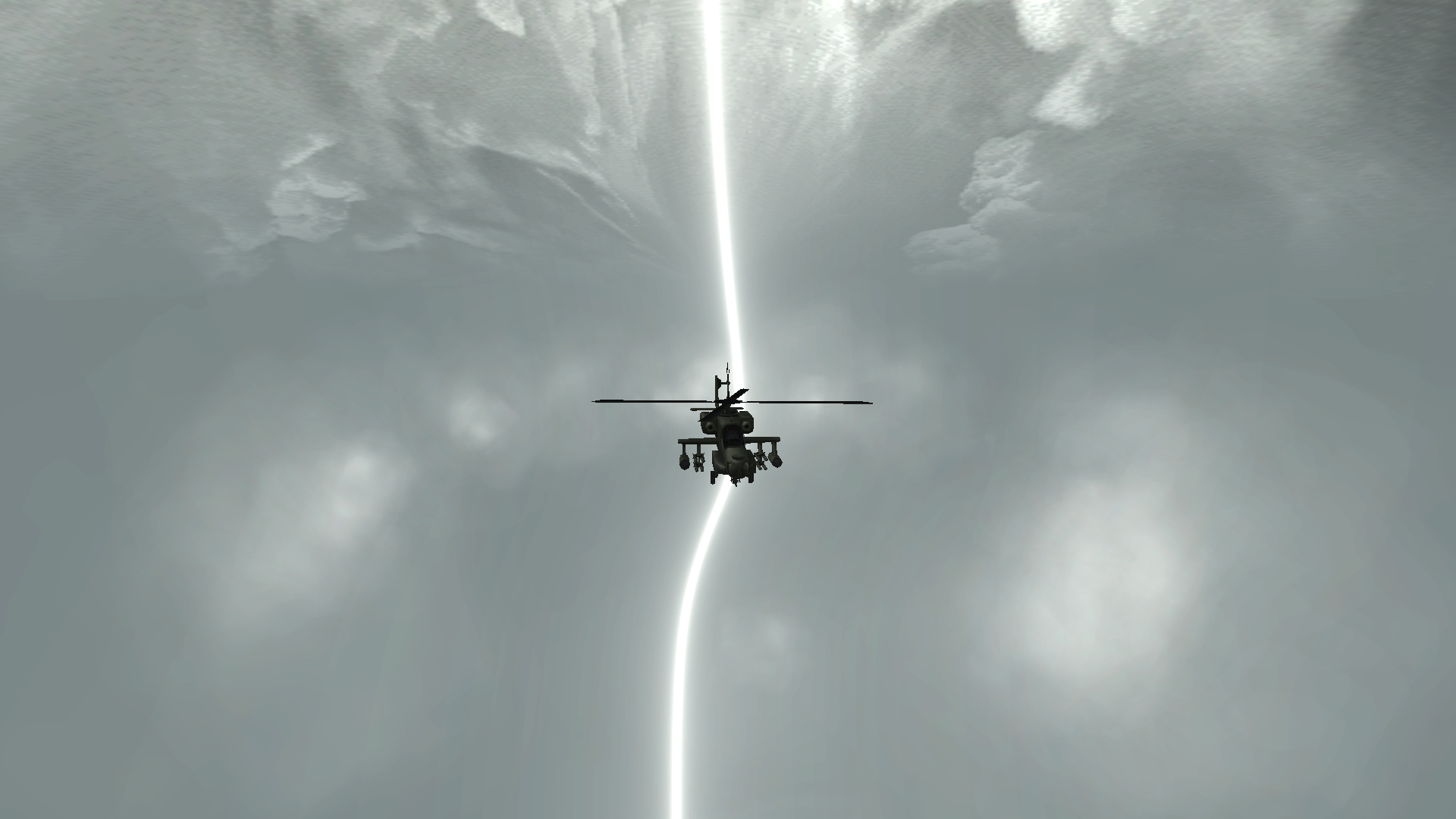
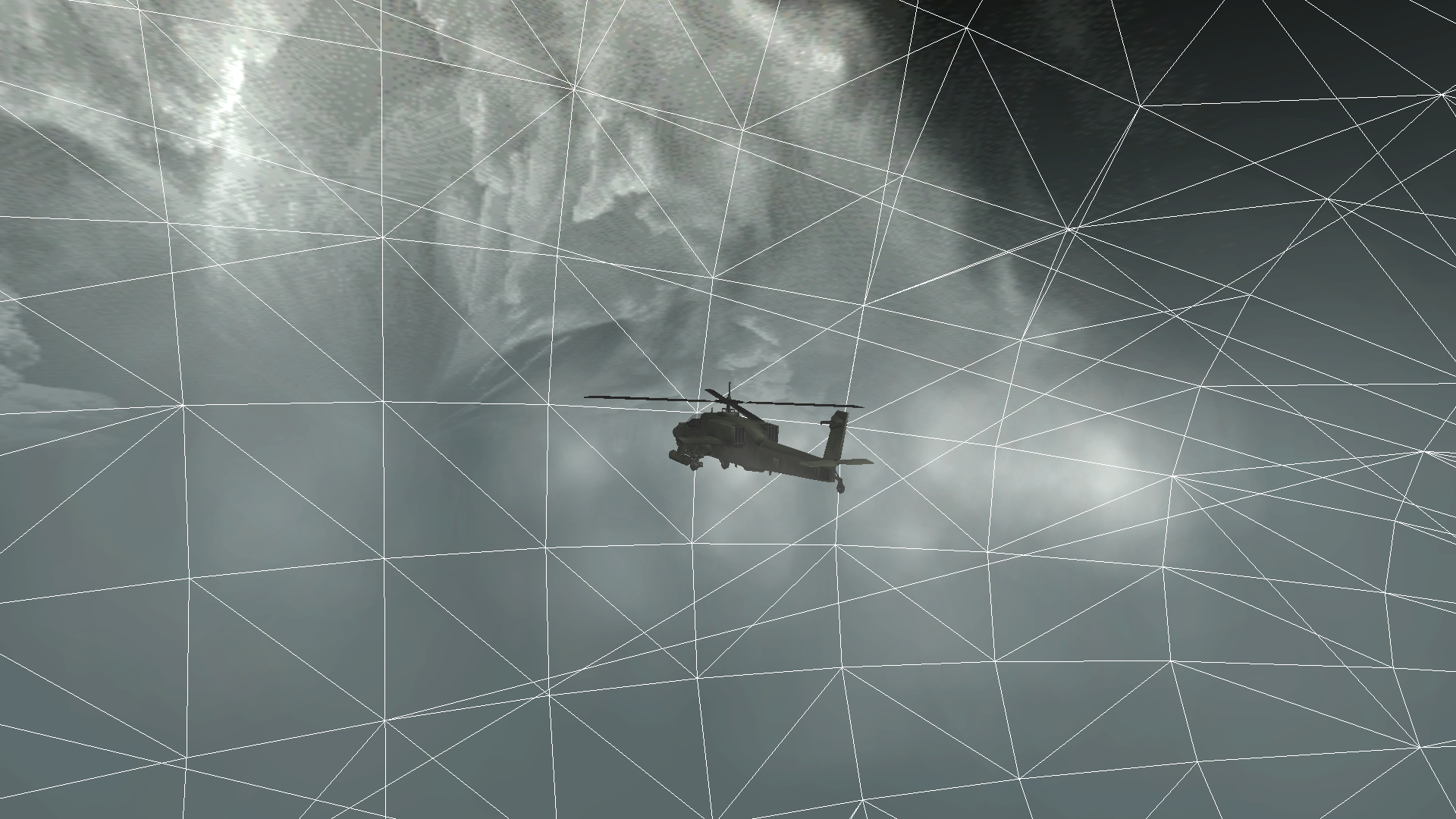
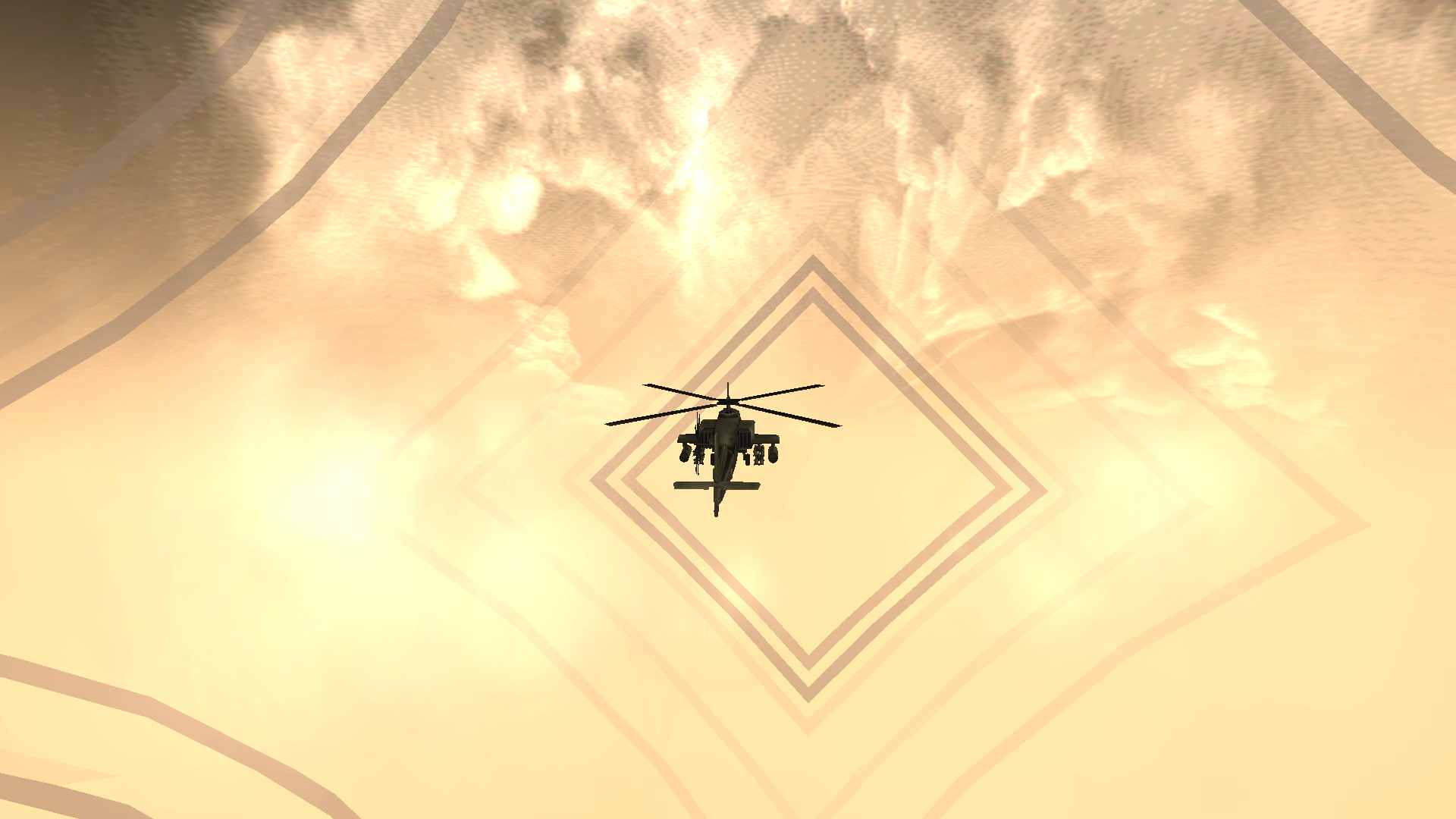
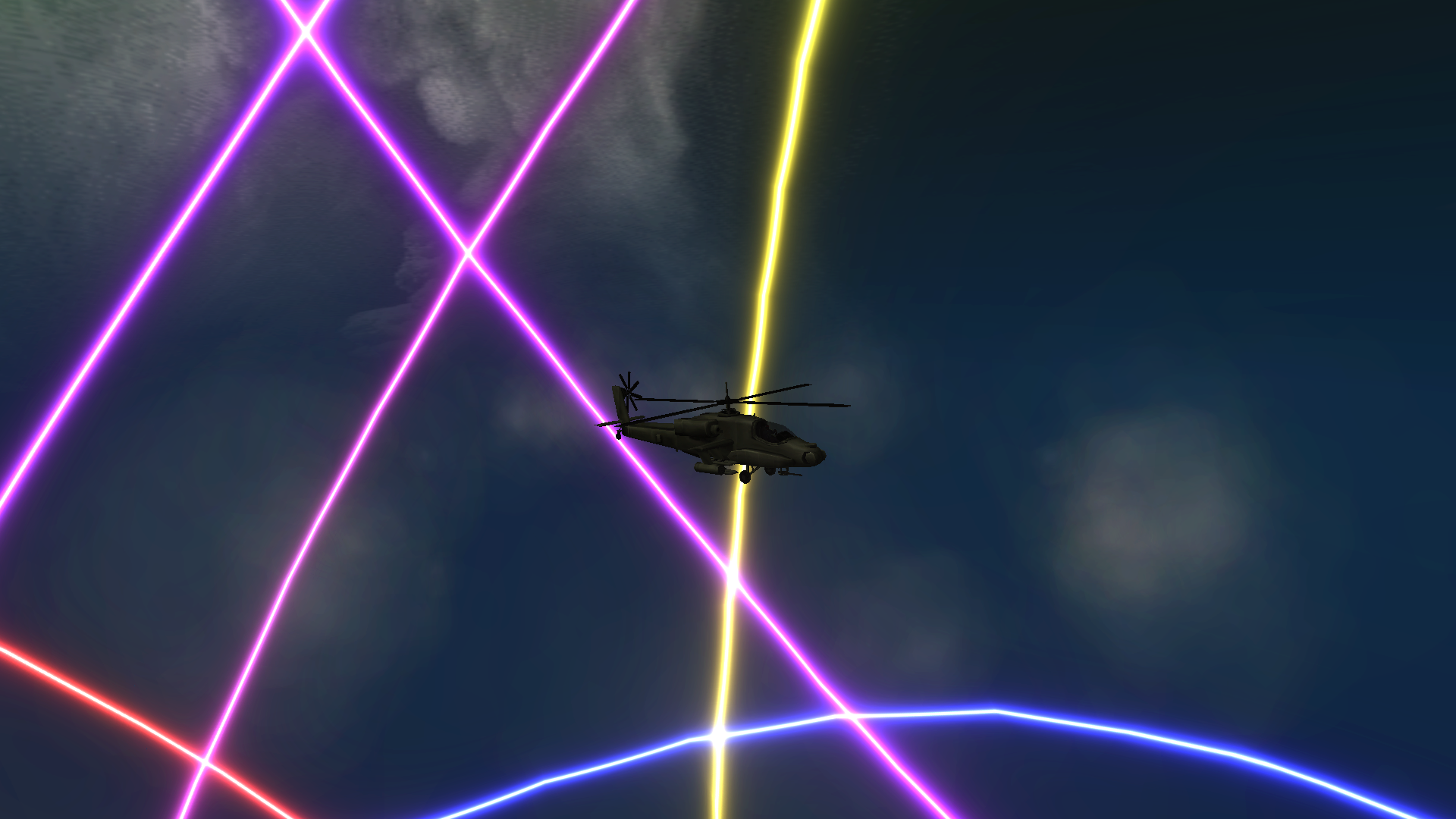
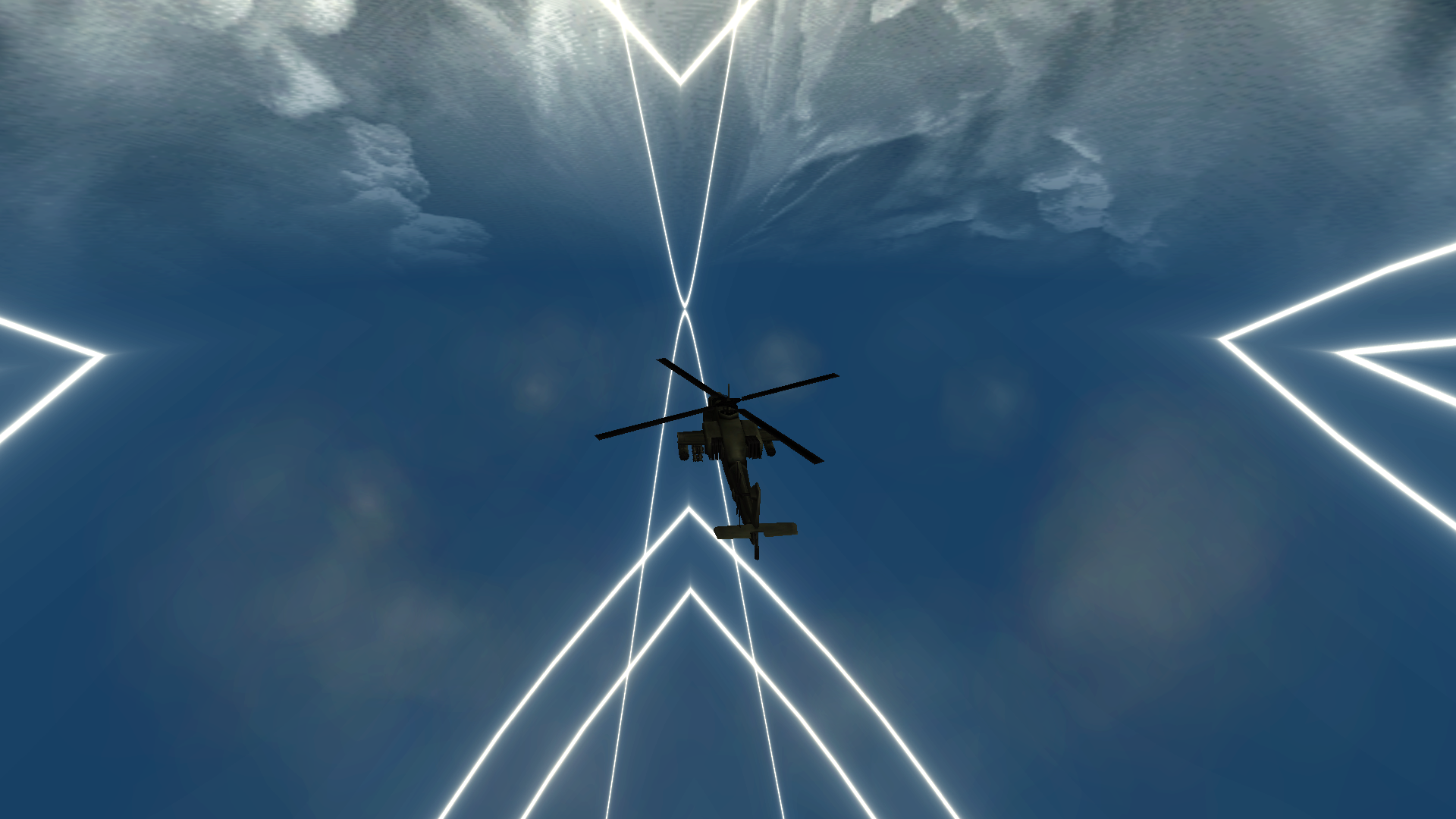
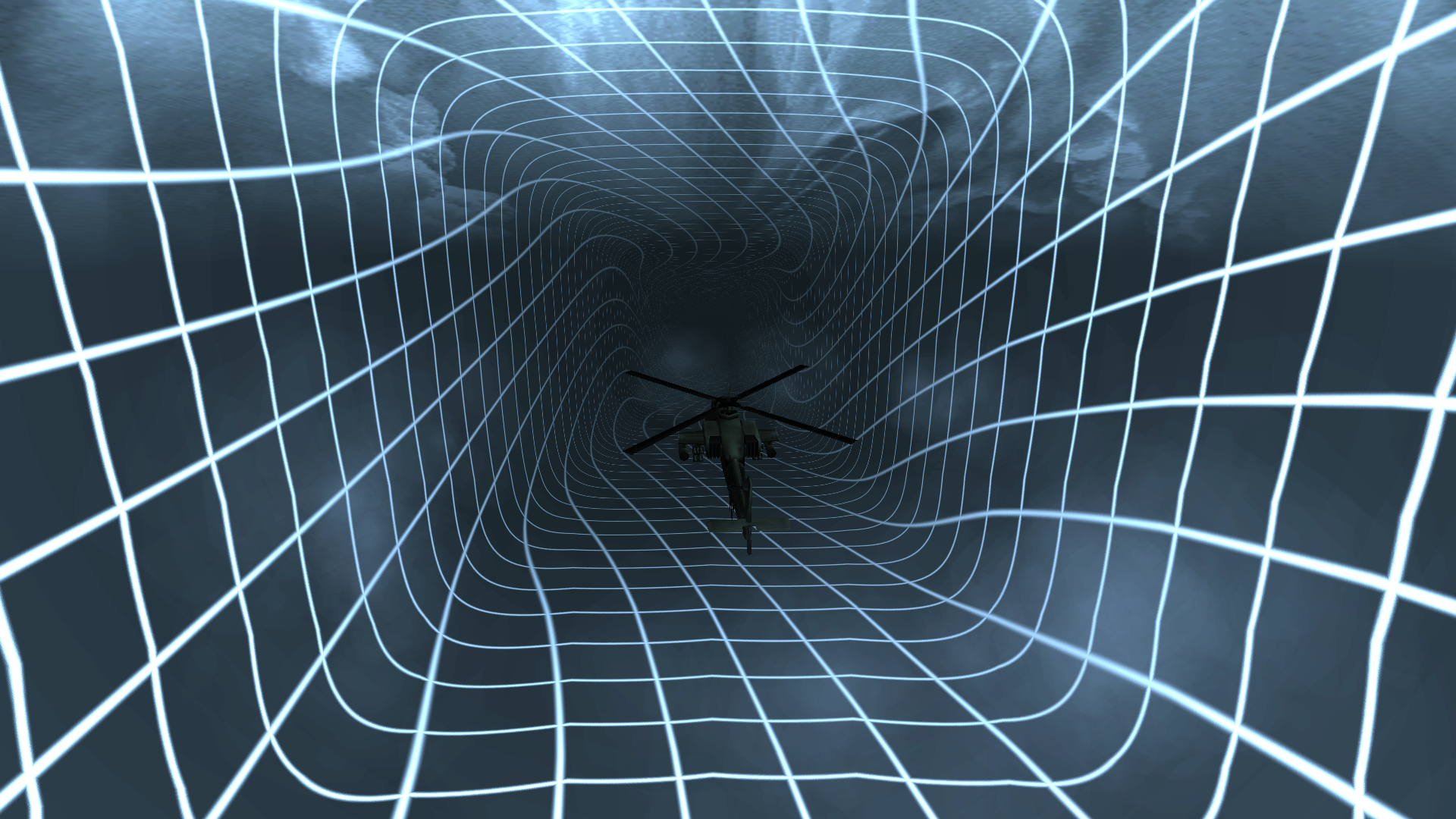
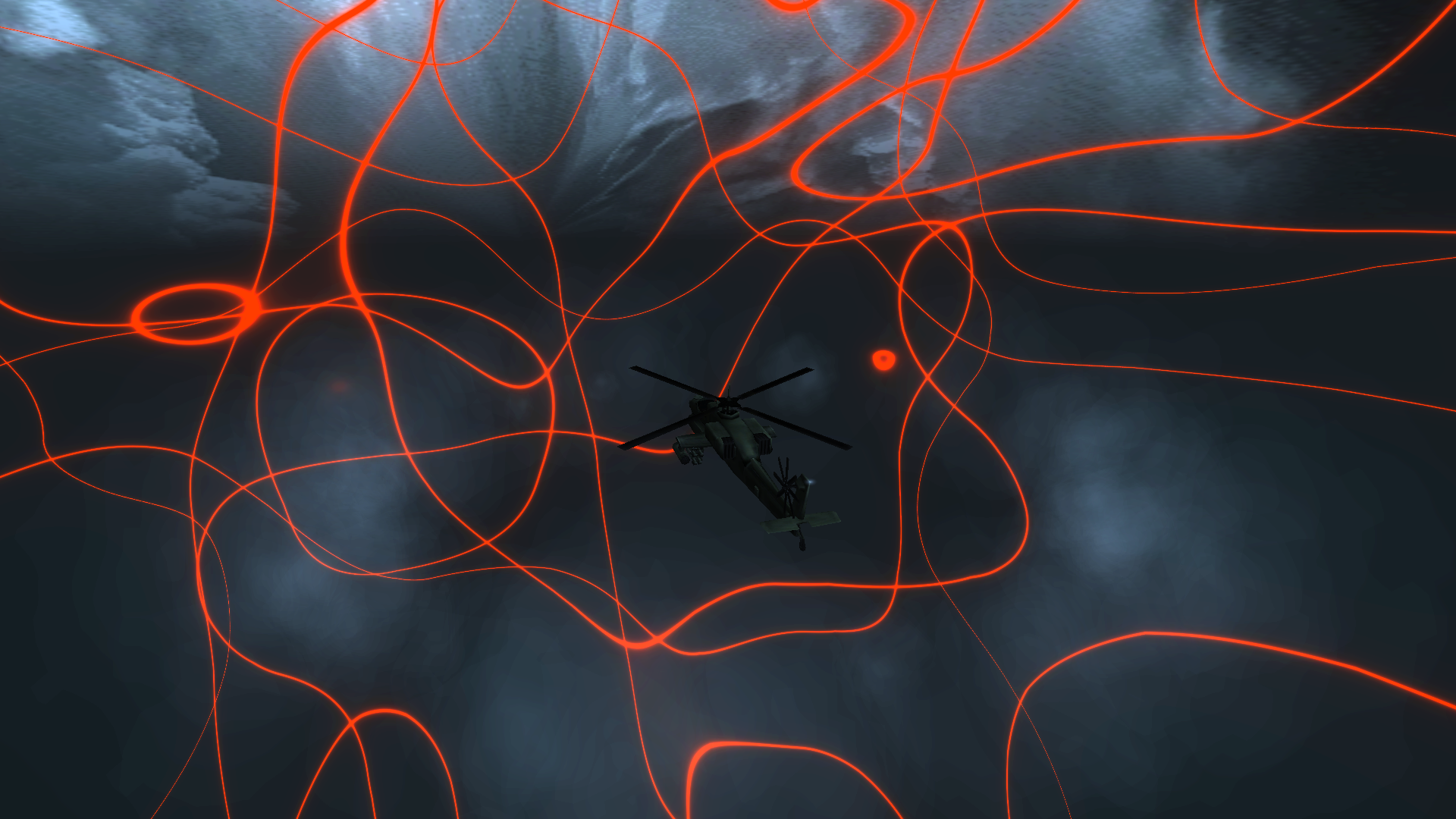
Description
To use it put it into C:\Program Files (x86)\MTA San Andreas 1.6\server\mods\deathmatch\resources.
type in chat (or console) “/start dvo_skybox”.
To check how it looks like you MUST BE IN GAME (IN TEST) -> doesn’t work while FREE CAMERA.
To change type of visualiser change file “visualiser.fx to one of “type1.fx”.
For example, you want type 1, so you must copy “type1.fx” and replece with “visualiser.fx’ – > you must rename “type1.fx” to “visualiser.fx”
TO CHANGE COLOR OF VISUALISER -> go open client.lua, search for: dxSetShaderValue(uShader, “color”, convertToShaderColor(x,y,z))
Change (x,z,z) for example (255,255,255).
To change song just change “music.mp3” to your song.
Have fun!
https://www.mediafire.com/file/d2u1vbvaxv8pu5x/dvo_skybox.zip/file
Reviews
There are no reviews yet.